Planet Zoo 2 beginner tips
New to Planet Zoo 2? Start with confirmed first-animal, aquarium, guest, and management tips for a smoother opening zoo.
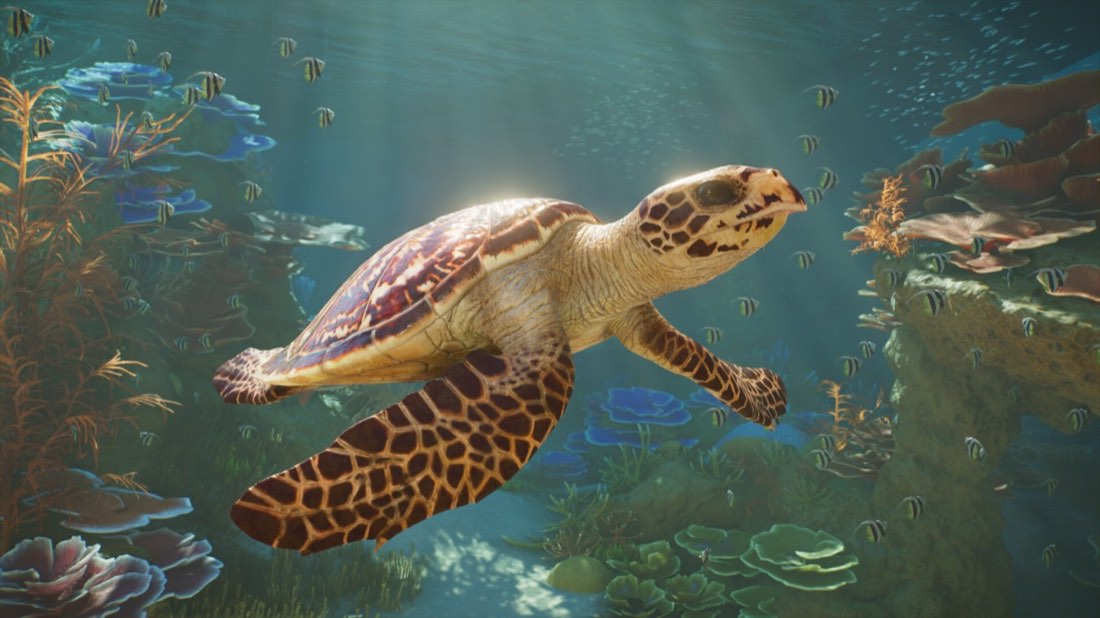
Image: Frontier Developments
Planet Zoo 2 beginners should focus on one manageable habitat or aquarium, a simple guest path, and staff support before expanding. Frontier has confirmed aquariums, aviaries, Wildlife Reserves, and improved construction tools, so the best early game plan is to learn those systems one at a time.
Start small and build around one exhibit
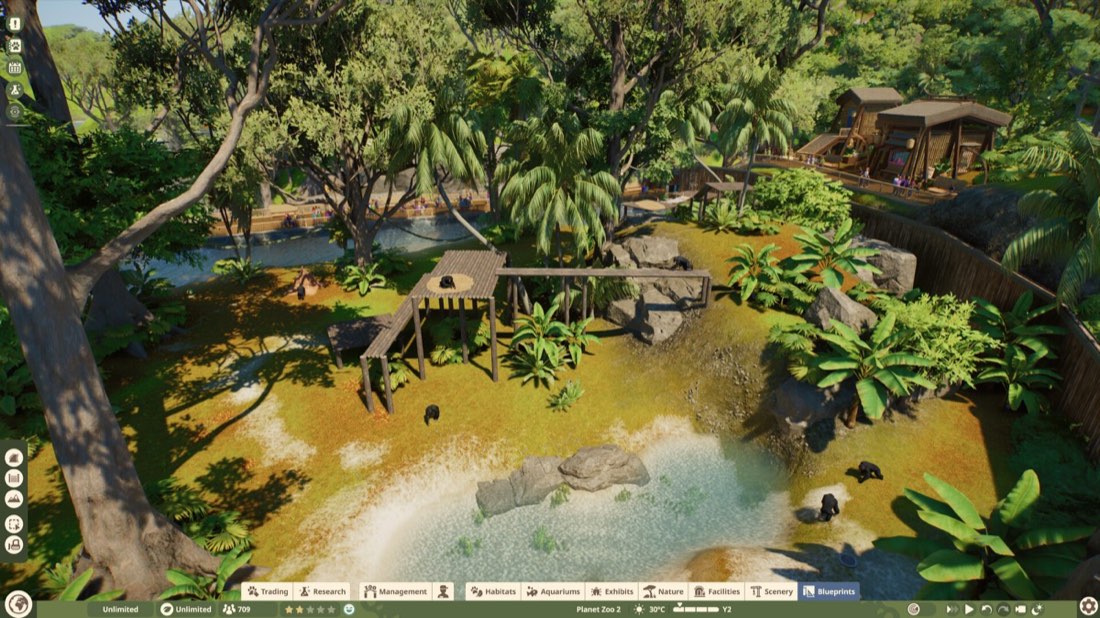
The easiest way to avoid an early mess is to open with one habitat or tank, not a full zoo. Frontier has confirmed piece-by-piece construction, ready-to-place blueprints, scaling, color customization, and foliage and terrain brushes, so you do not need to force a big custom build on day one.
A good first project is a straightforward enclosure or aquarium near a simple path. That gives you a manageable starting point while you learn how guests move, where staff need access, and how much space your animals actually need.
Good early priorities
- One animal area
- One guest route
- Basic staff access
- Enough room to expand later
Choose beginner-friendly first animals
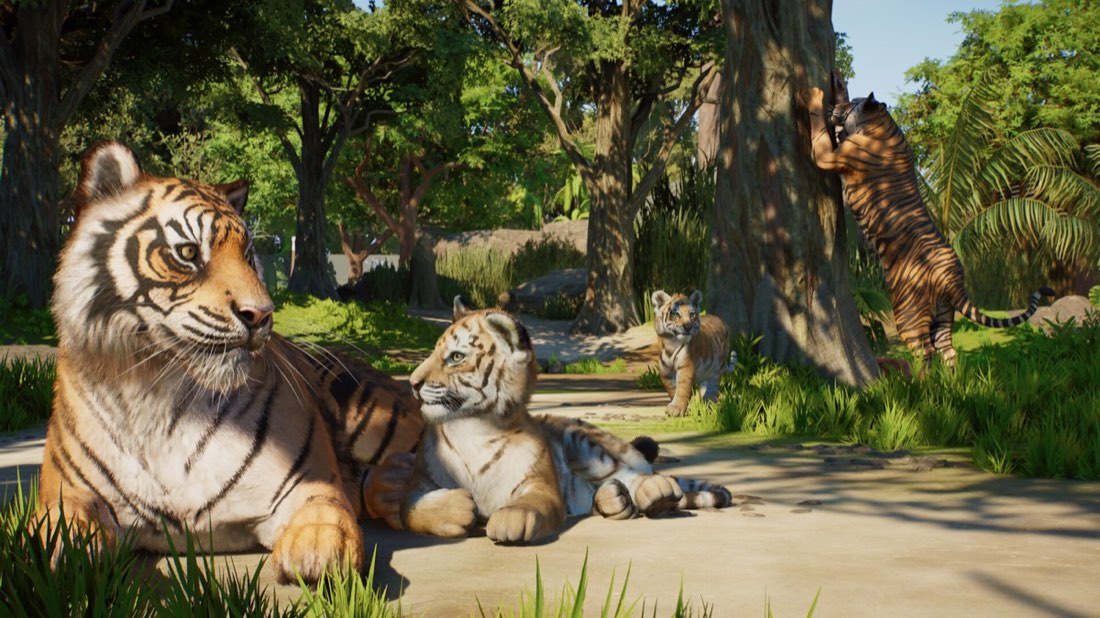
Frontier has not published a “best starter species” list, so the safest advice is to begin with the animals you can comfortably support with your current building budget and layout. The game’s confirmed animal simulation includes water, food, enrichment, moods, herding, grazing, nesting, and visible welfare cues, so even simple habitats need ongoing attention.
If you start with an aquarium, remember that Frontier has confirmed freshwater and saltwater tanks, filtration systems, and keeper access for diving into tanks for animal care. That means tanks are not just decorative displays; they need real maintenance.
First-animal checklist
- Can you provide water, food, and enrichment?
- Can staff reach the area easily?
- Is there enough space for the animal’s behavior and movement?
- Can guests see the animals without crowding the path?
For aquariums specifically, Frontier has confirmed launch inhabitants including Blacktip Reef Shark, Hawksbill Turtle, Ocean Sunfish, and Red Lionfish, plus other aquatic species revealed in official updates.
Learn aquarium basics early
Aquariums are one of Planet Zoo 2’s biggest franchise-first features, so beginners will get the most value by learning them early. Frontier has confirmed that aquariums support fully aquatic species, freshwater or saltwater setups, and underwater tunnels for guest viewing.
Keep in mind that aquariums are not “set and forget” attractions. Frontier has also said water reacts dynamically to animal movement, and official coverage says aquarium management includes filtration and keeper diving access for care.
Aquarium beginner tips
- Build the tank first, then design guest viewing around it.
- Leave space for maintenance access.
- Use filtration as part of your planning, not as an afterthought.
- If you add underwater tunnels, make sure guest flow does not bottleneck.
Use paths and guest flow to prevent chaos
Guest management matters from the start. Frontier has confirmed a circular plaza stamp tool for easier path and plaza creation, and also says there are open-plan buildings for restaurants and staff facilities. That should make it easier to keep early layouts functional.
A simple guest loop is usually better than a maze. Build a clear route from your entrance to your first animal area, then place food or education spaces where guests naturally stop instead of forcing them into dead ends.
Early guest-management rules
- Keep paths simple and readable
- Avoid too many tight turns
- Leave room near popular exhibits
- Put guest-facing features where people will naturally gather
Frontier has also confirmed education spaces for guest learning experiences, so if you want happier guests, those are worth planning into your zoo rather than adding later.
Don’t ignore staff access and training
One of the fastest early mistakes is building something that looks good but is hard for staff to service. Frontier has confirmed staff management and training, so your zoo is meant to run on systems, not just scenery.
If staff cannot reach habitats, tanks, or facilities easily, your zoo will become harder to manage as it grows. Build with service routes in mind and leave enough room for back-of-house functions.
Staff mistakes to avoid
- Blocking access with decorative structures
- Spreading your zoo too thin too quickly
- Adding more animals before your staff setup is ready
- Forgetting that aquariums need maintenance access
Be careful with building scale and verticality
Planet Zoo 2 gives players a lot of building freedom, but beginners should not use every tool at once. Frontier has confirmed improved verticality and layered height options, while also saying the building system is simplified for casual players but still deep enough for advanced builders.
That makes the game approachable, but it also means it is easy to overbuild. Start with functional structures first, then add decorative layers after the zoo is stable.
A safer build order
- Pathing
- Animal area or aquarium
- Staff access
- Guest comforts
- Decoration
Keep welfare visible, not just hidden in menus
Frontier’s “Living UI” means animals can show mood-based behaviors visually, rather than only through menus. Combined with the new Animal Brain system and confirmed welfare needs, that suggests beginners should watch animal behavior closely instead of relying only on interface panels.
If an animal looks uncomfortable, thirsty, or underprovided for, treat that as an early warning sign. The game is built to show you more through behavior, which should help you catch problems before they snowball.
What to watch for
- Animal mood changes
- Water and food needs
- Enrichment needs
- Whether the habitat layout actually supports movement
Common early mistakes
The biggest beginner error is trying to make a “perfect” zoo before the first area works. Frontier has confirmed many advanced systems, but early success still comes from basic management.
Avoid these mistakes
| Mistake | Why it hurts | Better approach |
|---|---|---|
| Building too big too soon | Harder to maintain | Start with one small area |
| Ignoring staff access | Animals and tanks become difficult to manage | Leave service space from the start |
| Overcomplicating paths | Guests get trapped or spread unevenly | Use a simple guest loop |
| Skipping welfare checks | Problems build quietly | Watch animal behavior and needs early |
| Designing aquariums without filtration access | Maintenance becomes harder | Plan the tank around care access |
What not to expect at launch
A few things beginners often ask about are not officially confirmed. Frontier has not announced a preload, beta, demo, or early-access weekend for Planet Zoo 2. Frontier has also said there is no real-time multiplayer or co-op; interaction is through the Frontier Workshop for sharing and downloading creations.
If you are coming from Planet Zoo 1, note that zoo transfer from the first game has not been officially confirmed, and neither has DLC carryover.
Bottom line
For new zookeepers, the best Planet Zoo 2 strategy is simple: start with one manageable animal area, learn aquarium or habitat care, keep guest routes clean, and make staff access easy. The game has deep systems, but Frontier has also built in tools meant to make the early learning curve more forgiving.
If you build small and watch welfare closely, your first zoo should grow much more smoothly.
FAQ
What is the best first goal in Planet Zoo 2?
Build a functional first exhibit, make sure guests can reach it easily, and confirm staff can service it. That gives you a stable base before you expand.
Should beginners start with aquariums or habitats?
Either can work, but aquariums require you to think about filtration and keeper access. If you want the simplest start, use whichever confirmed animal area you can support most cleanly.
Does Planet Zoo 2 have a workshop?
Yes. Frontier Workshop is the official cross-platform hub for sharing and downloading player-created blueprints and parks.
Are there any beginner cheats or shortcuts confirmed?
No cheats or shortcuts have been announced in the fact sheet. The confirmed help is through the game’s building tools, blueprints, and management systems.
Can I play Planet Zoo 2 with friends?
No real-time multiplayer or co-op has been announced. Frontier says players can share and download creations through the Workshop instead.
Frequently asked questions
What should I build first in Planet Zoo 2?
Start with a simple habitat or aquarium and a basic guest path to it, then add staff management and training as needed. Frontier has confirmed piece-by-piece construction, ready-to-place blueprints, and staff management tools.
Are aquariums and aviaries really in Planet Zoo 2?
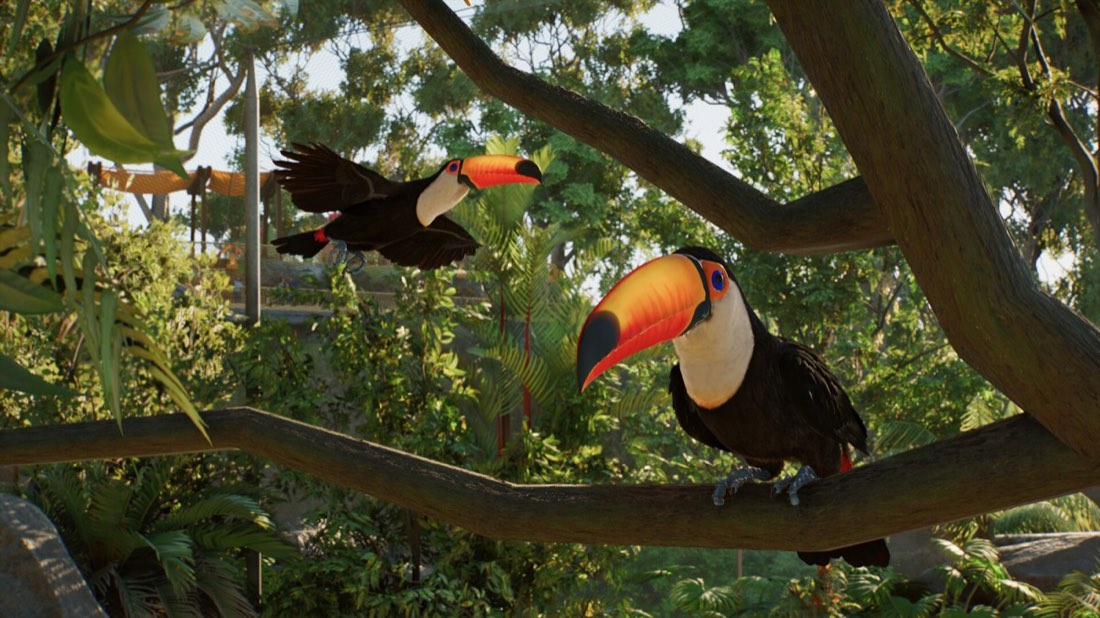
Yes. Frontier has confirmed fully aquatic species in custom aquariums and fully flying birds in customizable aviaries.
Does Planet Zoo 2 have co-op or real-time multiplayer?
No real-time multiplayer or co-op has been announced. Frontier says players share and download creations through the in-game Frontier Workshop instead.
Which edition includes extra animals?
The Deluxe Edition includes the base game plus the Deluxe Upgrade Pack, which adds six animal species and exclusive animal signs.
Has Frontier announced a demo or preload for launch?
No. As of the fact sheet date, no preload, beta, demo, or early-access weekend has been announced.