Ace Combat 8 PC Requirements: Ray Tracing Required
Ace Combat 8 demands a hardware ray tracing GPU, Windows 11, an SSD and 125 GB. Both Steam tiers assume upscaling — here's what that really costs.

Image: Bandai Namco Entertainment
ACE COMBAT 8: WINGS OF THEVE requires a hardware ray tracing-enabled graphics card. Not recommends — requires. Bandai Namco states it in the Additional Notes of both Steam requirement tiers, alongside two other hard gates: DirectX 12 with Shader Model 6.6 or higher, and an SSD. Windows 11 is the only OS listed, and the install is 125 GB whether you aim for the minimum or the recommended tier.
The second thing to know before you read the GPU names: both tiers assume upscaling. Neither the 30fps minimum nor the 60fps recommended figure is a native-resolution number, which makes the real cost of running this game at native 1080p considerably higher than the sheet suggests.
Steam minimum and recommended specs
Quoted from the Steam listing. Bandai Namco’s own European game page reproduces the same minimum tier, so this is not a storefront-only sheet.
| Minimum | Recommended | |
|---|---|---|
| OS | Windows 11 | Windows 11 |
| Processor | Intel Core i7-10700K / AMD Ryzen 5 3600X | Intel Core i7-12700K / AMD Ryzen 5 5600X |
| Memory | 16 GB RAM | 32 GB RAM |
| Graphics | NVIDIA GeForce RTX 2060 [6 GB] / AMD Radeon RX 6600 XT [8 GB] | NVIDIA GeForce RTX 3070 [8 GB] / AMD Radeon RX 6800 [16 GB] |
| DirectX | Version 12 | Version 12 |
| Storage | 125 GB available space | 125 GB available space |
| Target | 1920x1080 (Upscale) / 30fps, “Low” settings | 1920x1080 (Upscale) / 60fps, “MEDIUM” settings |
Both tiers require a 64-bit processor and operating system, carry the identical Additional Notes gate — SSD, hardware ray tracing-enabled graphics card, DirectX 12 with Shader Model 6.6 or higher — and end with the same hedge: framerate might drop in graphics-intensive scenes.
Note the RAM jump. Memory doubles from 16 GB to 32 GB between the two tiers, and it does so for a target that is still only upscaled 1080p60 on Medium.
The ray tracing rule, and what it rules out
Hardware ray tracing is architectural here, not a graphics option. That is why the minimum GPU floor sits at an RTX 2060 or an RX 6600 XT rather than at some older, cheaper card. Secondary coverage puts the consequence bluntly, stating that without a native hardware ray tracing card, the game simply will not run. Bandai Namco has not described the failure mode itself, so treat “will not run” as press interpretation of a first-party requirement rather than a publisher quote.
Two supporting signals point the same way:
- No GTX-branded card appears at any tier. The sheet starts at RTX on the Nvidia side and at RX 6000 on the AMD side.
- Xbox lists Ray Tracing as a shipped console capability for the Series X|S version — a feature baked into the console build, not a PC toggle.
The Shader Model 6.6 clause is the quieter second gate. It is an API floor, not a performance target: DirectX 12 cards that top out below Shader Model 6.6 are excluded regardless of raw performance. If you are shopping the used market for something older and cheaper, check both boxes, not just the RT one.
Both tiers assume upscaling — and nobody has said which upscaler
This is the single most misreported thing about this spec sheet.
The minimum note reads: estimated performance 1920x1080(Upscale)/30fps at “Low”. The recommended note reads: 1920x1080(Upscale)/60fps at “MEDIUM”. The word “Upscale” is in both. There is no published figure anywhere for what these GPUs do at native 1080p, let alone at 1440p or 4K.
Read the recommended tier again with that in mind: an RTX 3070 and 32 GB of system RAM, for upscaled 1080p60 on Medium. If you were planning to switch upscaling off and hold that frame rate, nothing on Bandai Namco’s sheet supports the assumption.
And there is a follow-on problem: which upscaler is never stated. Bandai Namco has not published a DLSS, FSR or XeSS support list, and neither Steam nor any outlet covering the specs names the technology. Frame generation support is likewise unconfirmed. For a sheet whose every performance figure depends on upscaling, that is a conspicuous blank.
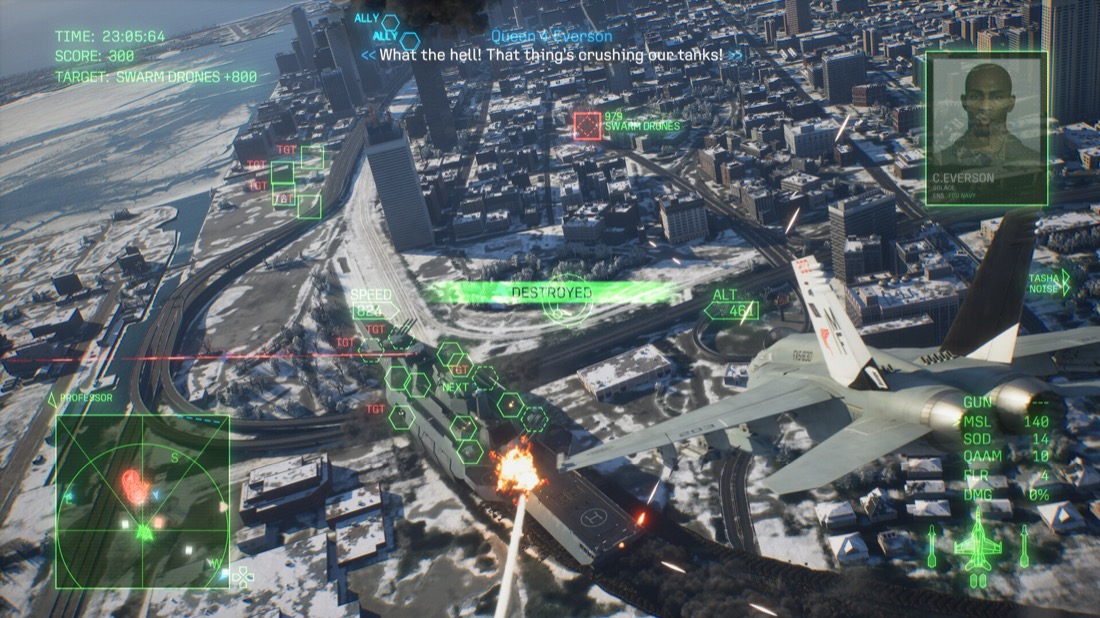
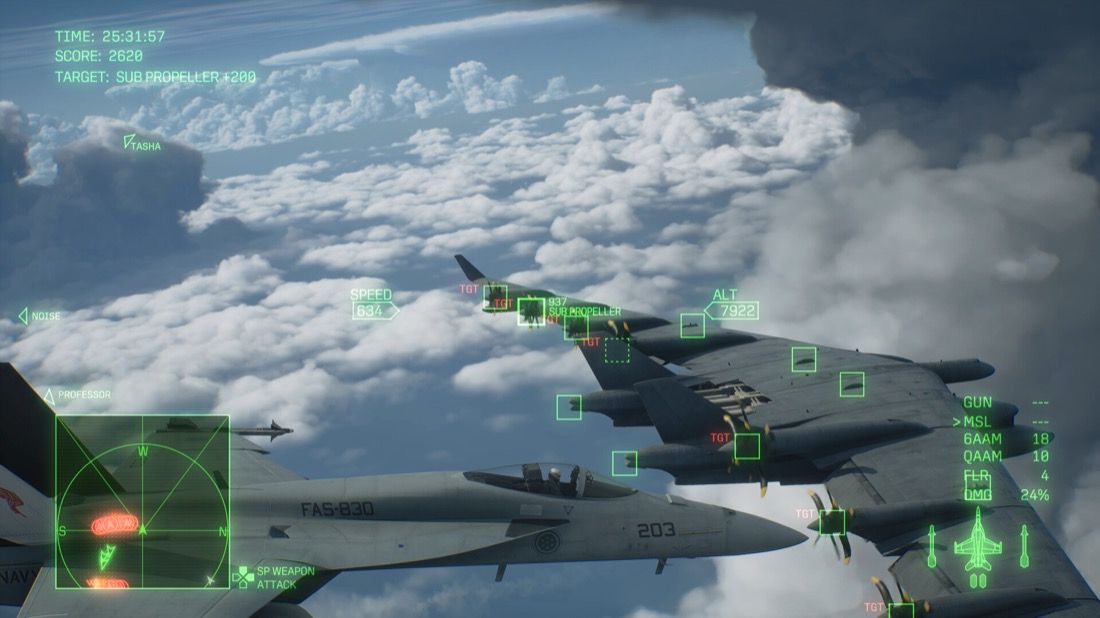
Take the “framerate might drop in graphics-intensive scenes” caveat seriously here, too. Bandai Namco Aces built a proprietary cloud and weather system called “Cloudly” to render heavily layered volumetric cloudscapes — exactly the kind of scene that caveat describes.
RX 6800 or RX 6800 XT? The sheets disagree
If you have seen both, you are not misremembering.
| Source | Recommended AMD GPU |
|---|---|
| Steam store listing | Radeon RX 6800 [16 GB] |
| DSOGaming | Radeon RX 6800 [16 GB] |
| TechSpot | Radeon RX 6800 XT (16 GB) |
Steam is the publisher-controlled listing, so RX 6800 — non-XT — is the figure to trust. The disagreement is only over the “XT” suffix; the 16 GB VRAM figure is identical either way, since both cards carry 16 GB. But an RX 6800 XT is a meaningfully faster card, so if the TechSpot version of the spec talked you out of your existing RX 6800, don’t let it.
No 1440p or 4K tier exists
Some Bandai Namco titles publish extended requirement tiers. This one does not. Only the two Steam tiers exist as of August 25, 2026 — no High tier, no Ultra tier, no published guidance for 1440p or 4K.
Anyone quoting you a 4K spec for this game is extrapolating. The requirements went live in the last week of July 2026 — DSOGaming covered them on July 27, TechSpot and AllKeyShop on July 28 — and no extended sheet has appeared since. AllKeyShop reported that community discussion has centered on concerns about the base targets themselves, which is a predictable reaction to a minimum tier that asks for a ray tracing card to hit upscaled 1080p30 on Low.
Denuvo, Easy Anti-Cheat and the five-machine limit
The Steam store page carries three third-party notices:
- Denuvo Anti-Tamper, with a 5 different systems within a day machine activation limit.
- Easy Anti-Cheat, described on the page as kernel-level anti-cheat.
- A required agreement to a third-party EULA.
The activation ceiling matters only if you rotate between machines: five distinct systems in a 24-hour window. No source has addressed how any of this interacts with Proton or Linux — if you have seen claims about Proton version switching burning activations, they are unsourced.
Unpublished: Steam Deck, preload, console install sizes
Three questions that genuinely have no answer yet.
| Question | Status as of August 25, 2026 |
|---|---|
| Steam Deck Verified rating | Not published. Given the mandatory hardware ray tracing and the 125 GB SSD floor, Deck viability looks doubtful — but no rating exists either way. |
| Preload window and size | Not announced on any storefront. No date, no size. |
| PS5 / Xbox Series X|S install sizes | Not published. Only the PC 125 GB figure exists; do not assume consoles match it. |
Two more PC blanks: ultrawide support, HDR calibration, framerate cap and rebindable-control specifics have none of them been published. Steam confirms only that HDR is available. The PS5 version carries a PS5 Pro Enhanced badge, but what that badge delivers has not been described, and no Quality/Performance mode breakdown exists for any console.
What the PC version does confirm
The Steam listing nails down the feature set: full controller support including DualSense and DualShock, Steam Cloud, Steam Achievements, Family Sharing, HDR availability, and cross-platform multiplayer. Cross-save is a different matter — no storefront claims cross-progression, and Steam Cloud is a within-platform save system. PC is Steam-only so far; no Epic Games Store or Microsoft Store listing has been announced, though that is an absence of announcements rather than a stated exclusivity deal.
Frequently asked questions
Do I need a ray tracing GPU to play Ace Combat 8?
Yes. Steam's Additional Notes on both the minimum and recommended tiers state that the game requires a hardware ray tracing-enabled graphics card, along with DirectX 12 Shader Model 6.6 or higher and an SSD. It is a hard requirement, not an optional setting.
Can I run Ace Combat 8 on Windows 10?
Windows 11 is the only OS listed, at both the minimum and recommended tiers. Windows 10 does not appear anywhere on the Steam sheet or on Bandai Namco's own requirements listing.
How much storage does Ace Combat 8 need on PC?
125 GB of available space, and an SSD is required at both tiers. PS5 and Xbox Series X|S install sizes have not been published.
Do the Ace Combat 8 PC requirements assume upscaling?
Yes. The minimum tier targets 1920x1080 (Upscale) at 30fps on Low, and the recommended tier targets 1920x1080 (Upscale) at 60fps on Medium. No native-resolution figures have been published, and Bandai Namco has not said which upscaler the game uses.
Is Ace Combat 8 Steam Deck Verified?
No Steam Deck compatibility rating has been published as of August 25, 2026. The mandatory hardware ray tracing requirement and the 125 GB SSD floor make Deck compatibility doubtful, but nothing official has been said either way.